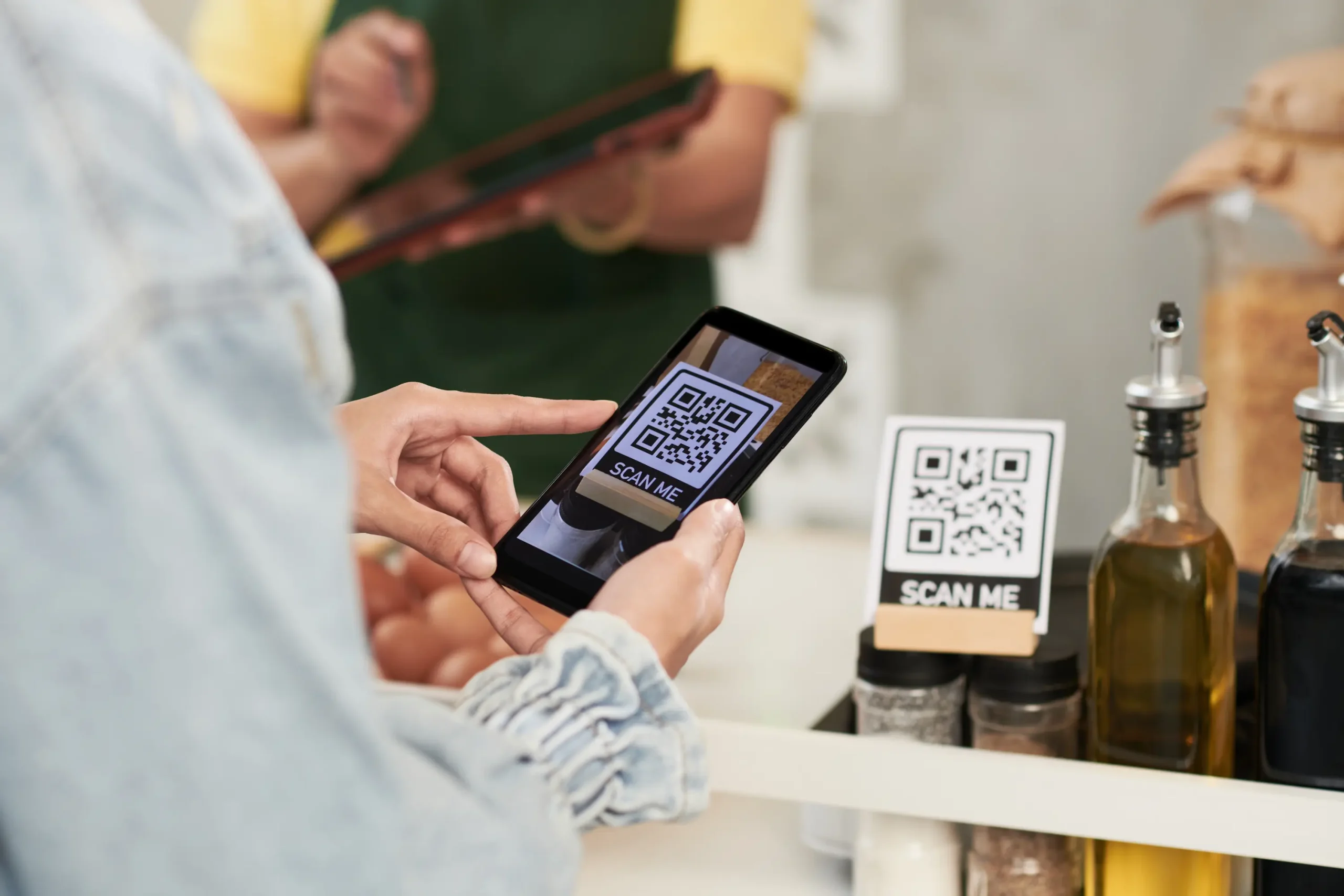

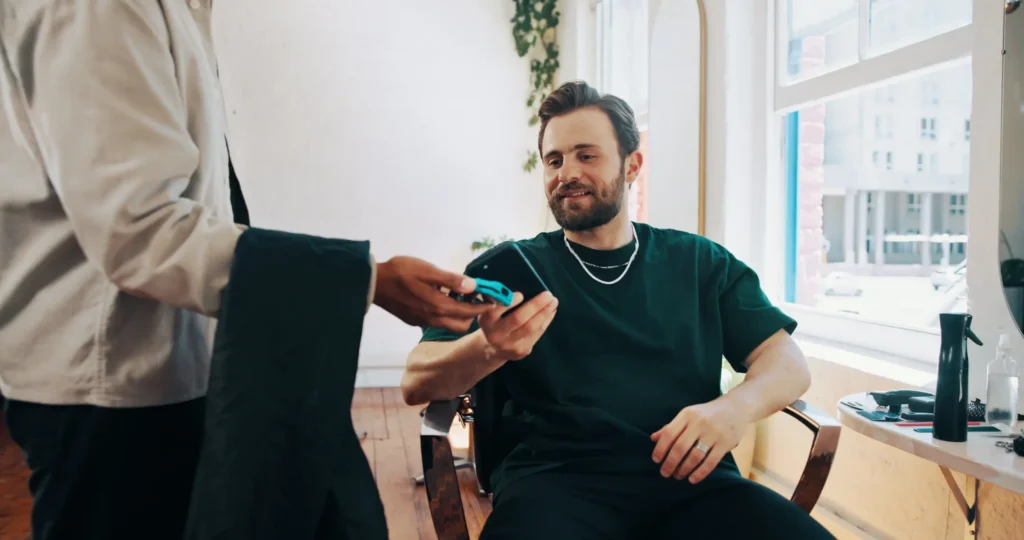
Physical stores and shops
Pay straight from your account just by tapping your phone.
Do it from your bank’s app or with the Bizum Pay app. If the app is set as your default mobile wallet, you don’t even need to open it before paying.
-
1
Unlock your device on Android, or double-click the side button on iOS. If the app you’re paying with isn’t your default wallet, open it before paying.
-
2
Hold your phone close to the card reader or payment terminal. You don’t even need to touch it.
-
3
All set! You’ll get a confirmation notification from your banking app (and from Bizum Pay if it’s your payment app).