
- Actualidad
Paying by cell phone via Bizum is a piece of cake, palabrita
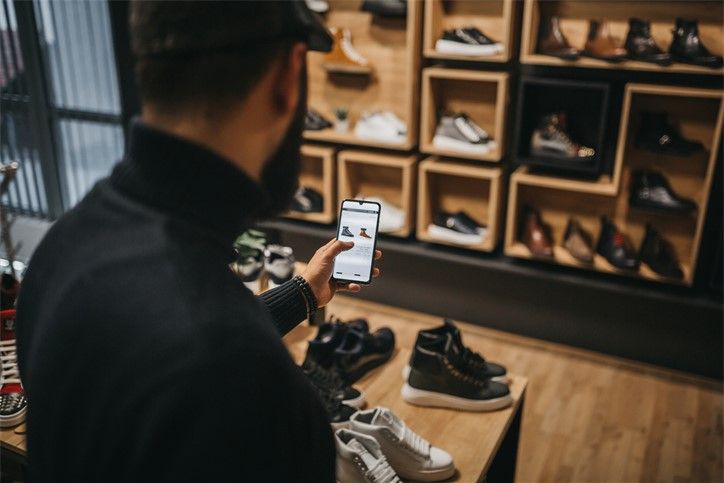
Bizum is the best option for settling debts. And you know it. But Bizum is also the ideal platform to pay by mobile in physical stores, online and so much more!
That’s why we’ve put together this post so you can learn all the details on how to pay by mobile with Bizum:
We’re not going to explain how to shop online. It’s part of your day-to-day. But did you know you can simplify the payment process thanks to Bizum? There are now more than 33,000 stores with Bizum payment enabled.
So, if you want to pay by mobile for something you need and you want it to be quick, all you have to do is:
- – Select Bizum as the payment method.
- – Enter your phone number.
- – Confirm the purchase from your bank’s app.
El Corte Inglés, Decathlon, MediaMark, Primor, Renfe, Air Europa, Alsa… these are just some of the thousands of stores that have pay by mobile via Bizum enabled. You can check in this list whether your favourite e-commerce site has our payment method enabled.
However, there are banks that, to pay by mobile with Bizum, use a validation system called Bizum key. You simply need to set up a 4-digit password in your Bizum area of the app to confirm the purchase. Super simple too.
Whether it’s for your train tickets, your sports gear or the latest makeup trends… pay with Bizum and forget about your wallet!

Bizum’s debut as a pay-by-mobile method in physical stores came hand in hand with Apuestas y Loterías del Estado. This payment system was created following Bizum’s DNA: keeping it simple. That’s why all you have to do is go into the Bizum section of your app, generate a QR code when it’s time to pay, and they scan it.
It’s also possible to pay in person at events and restaurants thanks to payment platforms like PeoplEat or Gopick, which you can learn more about here.
And finally, even if it’s not “paying by mobile” as such: if you want to send money to an NGO via your mobile with Bizum, you can do that too.
100% of your money will reach the organisation you choose. No commission costs or fees. Here are the steps:
- – Go to the “Donation” area with Bizum in your bank’s app.
- – Enter the NGO’s donation code you want to support. If you’re not sure, we recommend taking a look at the Bizum.help website.
- – Finally, enter the amount and your money will reach the organisation instantly.
You should know that security is the most important thing for Bizum. That’s why its service complies with the European PSD2 directive and eCommerce payment security regulations. What’s more, Bizum is an initiative of Spanish banks, so you’re backed by their security systems. The money transfer is always ordered by your bank, which is responsible for authenticating you.
After all this, there’s nothing left for us to say other than: you’re welcome, bizumers.
More news,
because this doesn’t stop
-
International Bizum: everything you need to know
We know that Bizum is a much-loved project, both inside and outside our country. And this, dear Bizumer, is something we saw coming. That’s why, since the origins of its creation, we have worked with an international vision of Bizum in mind. In order for you to know everything there is to know about Bizum […]
Show more -
Who invented Bizum? We tell you the story
Dear Bizumer, we are sorry, but we cannot attribute the credit for the best invention of the century to a single person. And the fact is that Bizum is nobody’s idea, it belongs to everyone, it is the result of the collaboration of an entire sector. Already in 2015, 20 banking entities, Spanish together with […]
Show more -
How long does it take for a bizum to arrive, so fast that you don’t even see it coming!
Surely, on more than one occasion, you have wondered how long it takes for a bizum to arrive. Well, get ready to freak out, because the answer is: less than 5 seconds! Yes, you read that right. Less than 5 seconds. Sending a bizum is so fast that you could say that the money is […]
Show more