
- Actualidad
Payment with Bizum at merchants: the 3 ways that exist
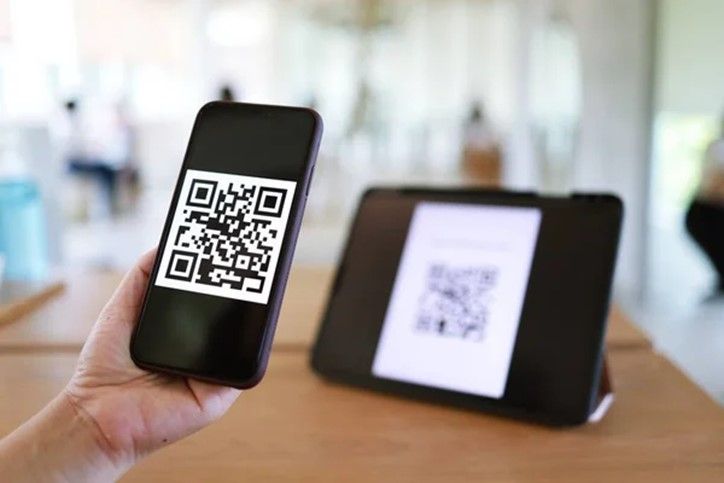
Bizum has become the payment method of choice for many. Whether splitting gifts or settling debts with friends and family. But ever since you can pay with Bizum at merchants, some people have turned into true “bizumlovers” and use Bizum as an essential payment tool for their everyday lives.
But, dear bizumer: do you know all the ways that you can pay with Bizum at merchants? And we say “ways” in the plural because there are currently three models for payment with Bizum at merchants. Read on to discover all the formats (you won’t be able to live without them very soon).
The payment with Bizum at merchants online was the very first to arrive. And we’re sure you know it: a very simple payment method completed in three steps when making your online purchase: select Bizum as the payment method, enter your phone number, and confirm the transaction using your Bizum Key or an SMS code (depending on your bank).
A payment model available at more than 22,000 merchants, growing non-stop every day, and about which you can find more information here.
Following the success of online merchants, payment with Bizum at merchants was rolled out for paying and collecting prizes at State Lotteries and Betting shops. A revolutionary method that, using a QR code, allowed you to carry out these transactions in person.
And you might ask, how do you do that? Well, in three simple steps:
-
- 1. Access Bizum from your bank’s app.
- 2. Choose the option to “pay” for a prize and generate a QR code.
- 3. The staff at the lottery shop scans the QR code, and you confirm the transaction.
* And if you’re collecting a prize, you don’t even need to complete the last confirmation step—just with the scan, the money arrives in a matter of seconds.
A simple, practical model that was extended to other venues:
Imagine you’re at a festival and you’ve left everything in your tent except your phone. You see some su-per-cool merch that you want… are you going to head back to the tent for money? NO. You pay with Bizum through Paycomet, MONEI, or Gopick.
How do you make a payment with Bizum at merchants via Paycomet or MONEI? (H3)
It’s very similar to the setup with State Lotteries and Betting, using a QR code where all you have to do is:
-
- 1. Scan the QR code of the product you want to buy.
- 2. Validate the transaction on your phone just like an online Bizum payment, and that’s it! It’s paid for.
We used a festival as an example, but there are already many retail businesses like restaurants or travel companies that use digital QR codes to accept payments with Bizum.
Now it’s time to discover the latest (and newest) format for payment with Bizum at merchants: the link.
-
- 1. The merchant enters the transaction amount and generates the payment request using your phone number.
- 2. Next, you receive a notification to complete it in your bank’s app.
- 3. Confirm the transaction and you’re all paid!
Now you know the three options for payment with Bizum at merchants that are available. And above all, you’ve seen that whether directly at an online merchant or via QR code or notification in person, paying with Bizum is SU-PER-EA-SY.
More news,
because this doesn’t stop
-
International Bizum: everything you need to know
We know that Bizum is a much-loved project, both inside and outside our country. And this, dear Bizumer, is something we saw coming. That’s why, since the origins of its creation, we have worked with an international vision of Bizum in mind. In order for you to know everything there is to know about Bizum […]
Show more -
Who invented Bizum? We tell you the story
Dear Bizumer, we are sorry, but we cannot attribute the credit for the best invention of the century to a single person. And the fact is that Bizum is nobody’s idea, it belongs to everyone, it is the result of the collaboration of an entire sector. Already in 2015, 20 banking entities, Spanish together with […]
Show more -
How long does it take for a bizum to arrive, so fast that you don’t even see it coming!
Surely, on more than one occasion, you have wondered how long it takes for a bizum to arrive. Well, get ready to freak out, because the answer is: less than 5 seconds! Yes, you read that right. Less than 5 seconds. Sending a bizum is so fast that you could say that the money is […]
Show more