Why Bizum
Log in with Bizum on websites and apps—no password needed!

We couldn’t find any results for your search
But we can help you find the information you need. Try different terms, use more general words, or check out some of the most common searches:
The first step is to talk to your bank and finalize the commercial agreement. Once that’s done, they’ll show you how to integrate the Bizum or the new Bizum Pay button into your payment page, whatever platform you use.
On this page you’ll find the list of banks that currently offer it. And the list keeps growing, with more banks joining all the time. So if yours isn’t there yet, it might be coming soon.
Yes. If you’re self-employed, you can accept payments with Bizum through solutions designed specifically for businesses, tailored to your needs, whether you sell in person or online.
Check your bank’s information or contact them for instructions on how to activate the service.
Whatever the size of your business, you can now accept payments with Bizum at your company or pay out promotions, rewards, and refunds.
Offer your customers a fast, convenient, and secure way to pay, using a solution they already know and use.
Why Bizum
Log in with Bizum on websites and apps—no password needed!

Digital payment collection
Send, collect, and make payments securely. Powered by Bizum technology and backed by your bank

In-person payments
Send, collect, and make payments securely. Powered by Bizum technology and backed by your bank
Bizum is your customers’ favorite way to make instant account-to-account payments.
Instant payouts
Have the money available in your bank account right away. Or, if you prefer, you can receive payments grouped once a day. You decide!
Easy for your customers, easy for you
All they need is their mobile phone. That’s it. As easy as Bizum.
Tailored to you
We have the solution you need. Forget about lengthy implementations or changing devices or technology.
We’re with you all the way
If you already offer Bizum, you can access our resources to communicate it better and boost your visibility with customers.
Choose the solution your business needs and get started with the support of your bank or provider.
Identify what your business needs:
Accept payments online or in person, make logging into your platform easier, or send payments to customers.
Check out the solution details
and confirm availability with your bank.
Contact your bank or technology service provider to complete registration or integration.
Activate Bizum, let your customers know, and start using it in your business.
Latest news, use cases, and updates on Bizum solutions for businesses.
We know that Bizum is a much-loved project, both inside and outside our country. And this, dear Bizumer, is something we saw coming. That’s why, since the origins of its creation, we have worked with an international vision of Bizum in mind. In order for you to know everything there is to know about Bizum […]
Dear Bizumer, we are sorry, but we cannot attribute the credit for the best invention of the century to a single person. And the fact is that Bizum is nobody’s idea, it belongs to everyone, it is the result of the collaboration of an entire sector. Already in 2015, 20 banking entities, Spanish together with […]
Surely, on more than one occasion, you have wondered how long it takes for a bizum to arrive. Well, get ready to freak out, because the answer is: less than 5 seconds! Yes, you read that right. Less than 5 seconds. Sending a bizum is so fast that you could say that the money is […]
A way of paying your customers already know. The solution for your business.
Accept online and in-person payments, pay out promotions and refunds, or make it easier to access your platform. Whatever your business, discover what Bizum can do for you.
Paying for these types of campaigns with Bizum is quick and easy. You don’t need the winners’ IBAN: their phone number is all it takes.
It’s very simple. Just inform your bank—which must be a Bizum partner—that you want to offer Bizum as an option for receiving donations.
The first step is to talk to your bank and finalize the commercial agreement. Once that’s done, they’ll show you how to integrate the Bizum or the new Bizum Pay button into your payment page, whatever platform you use.
On this page you’ll find the list of banks that currently offer it. And the list keeps growing, with more banks joining all the time. So if yours isn’t there yet, it might be coming soon.
From your first inquiry to your first payment. Start with your bank.
Find the right solution for you
Decide whether you need to take payments online, in person, pay out promotions, or make it easier to access your platform.
Talk to your bank
Check the availability, commercial terms, and requirements of the service you’re interested in.
Integrate Bizum into your business
Follow the instructions from your bank and, where applicable, your technology provider.
Spread the word and make it visible
Show that you accept Bizum on your website or at your premises with branded materials.
Add Bizum as a payment method in your online store and let your customers pay using just their phone number.
A fast, convenient, and secure way to pay from your mobile phone, directly from the banking app.
You can add Bizum payments to your platform by integrating one of the already certified bank gateways or via e-commerce platforms.

















Integrate Bizum or Bizum Pay into your online store easily, with guidance from your bank or provider.
Contact your bank
Check commercial terms and sign up for the service.
Choose how to integrate it
Use your payment gateway, an available module, or a plugin.
Add Bizum or Bizum Pay
Complete the technical integration and add the button to your online store.
Start accepting payments
Your customers can now pay with their phone number.
Bizum is your customers’ favorite account-to-account instant payment method.
Instant payouts
Have the money available immediately in your bank account. Or, if you prefer, you can receive payouts bundled once a day. You decide!
Easy for your customers, easy for you
All they need is their phone number. That’s it. As easy as that, that’s Bizum.
Tailored to you
We have the solution you need. Forget about lengthy implementations or changing devices or technology.
We’re with you all the way
If you already offer Bizum, you can access our resources to promote it better and boost your visibility with customers.
Bizum is your customers’ favorite account-to-account instant payment method.
Latest news, tips, and resources to get the most out of Bizum for your e-commerce store.
We know that Bizum is a much-loved project, both inside and outside our country. And this, dear Bizumer, is something we saw coming. That’s why, since the origins of its creation, we have worked with an international vision of Bizum in mind. In order for you to know everything there is to know about Bizum […]
Dear Bizumer, we are sorry, but we cannot attribute the credit for the best invention of the century to a single person. And the fact is that Bizum is nobody’s idea, it belongs to everyone, it is the result of the collaboration of an entire sector. Already in 2015, 20 banking entities, Spanish together with […]
Surely, on more than one occasion, you have wondered how long it takes for a bizum to arrive. Well, get ready to freak out, because the answer is: less than 5 seconds! Yes, you read that right. Less than 5 seconds. Sending a bizum is so fast that you could say that the money is […]
Pay with Bizum at stores, shops, and professionals too
Choose how to pay
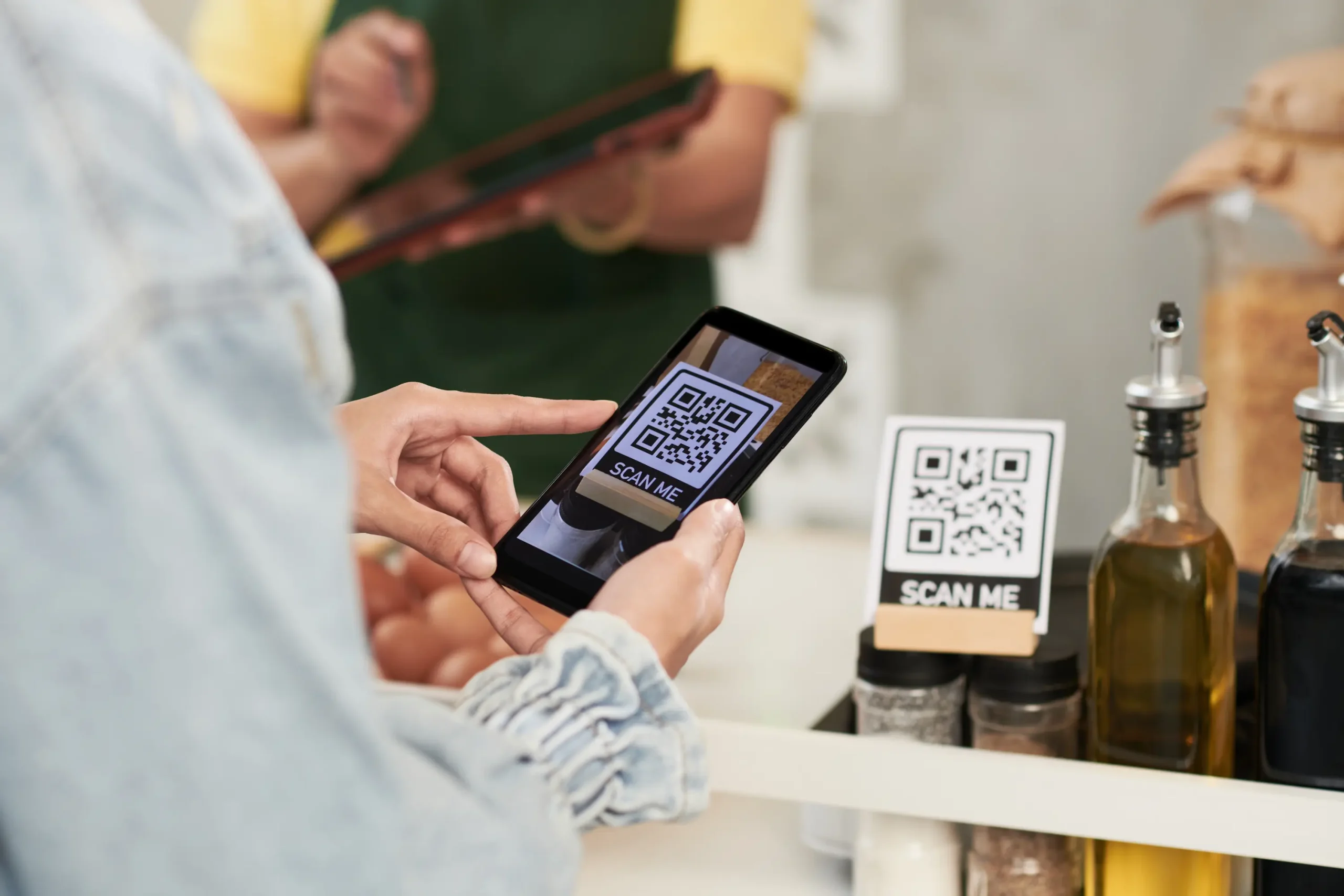
Use your bank’s app, Bizum Pay, a link, or a QR code.
Check the details
Review the amount and the transaction information.
Approve the payment
Confirm from your bank’s app whenever required.
Check the confirmation
Make sure the payment went through successfully.
Make everyday life easier with Bizum.
Send and receive money, pay for your purchases, or support a cause. All you need is your mobile and the Bizum options available at your bank.
Send and receive money
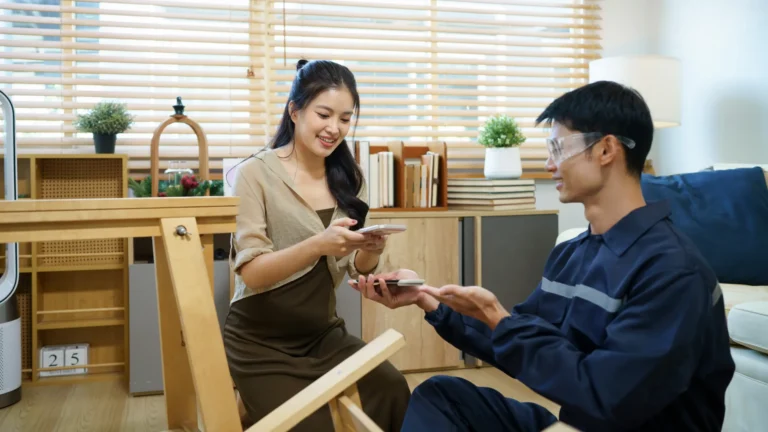
Split expenses and settle up in seconds. From account to account, using only a phone number.

Online shopping
Choose Bizum, enter your phone number, and confirm the payment in your bank’s app.
Bizum technology and your bank’s backing

Pay in stores
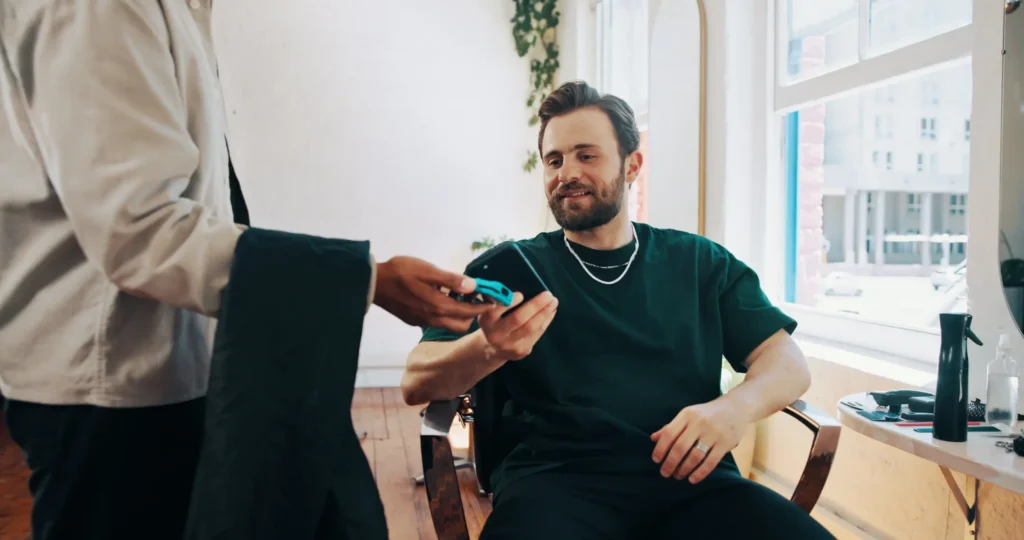
Tap your phone and pay contactless from your account, with Bizum Pay or your bank’s app.
International payments
Send and receive money with your contacts in Greece, Italy, and Portugal using compatible solutions and the same user experience.
Donate to social causes
Choose your cause and enter its five-digit code and the amount in the donations section of your banking app

Identify yourself online
Sign up and access participating websites and apps without creating another password. With your phone number and your bank’s app.
From mobile to mobile and directly from account to account, in just a few seconds.
From your bank’s app, with all its security and Bizum’s trusted service.
Activate Bizum from your bank’s app—no paperwork, no waiting, no hassle.
Check that your bank offers Bizum
See the list of participating banks and find yours.
Download your bank’s app
If you don’t have it yet, install it on your phone.
Log in and look for Bizum
Activate it by following your bank’s instructions.
Done!
You can now send, request, and receive money, as well as pay in shops and make donations.
News, tips, and updates on the different ways to send, receive, and use your money with Bizum.
We know that Bizum is a much-loved project, both inside and outside our country. And this, dear Bizumer, is something we saw coming. That’s why, since the origins of its creation, we have worked with an international vision of Bizum in mind. In order for you to know everything there is to know about Bizum […]
Dear Bizumer, we are sorry, but we cannot attribute the credit for the best invention of the century to a single person. And the fact is that Bizum is nobody’s idea, it belongs to everyone, it is the result of the collaboration of an entire sector. Already in 2015, 20 banking entities, Spanish together with […]
Surely, on more than one occasion, you have wondered how long it takes for a bizum to arrive. Well, get ready to freak out, because the answer is: less than 5 seconds! Yes, you read that right. Less than 5 seconds. Sending a bizum is so fast that you could say that the money is […]
Send and receive money with your contacts in Greece, Italy and Portugal—just as easily as always.
You only need their phone number, just like you already do between Spain and Andorra.
Thanks to EuroPA, the initiative that connects European payment solutions, you can now send and receive money instantly from your bank’s app—without changing how you use Bizum.



Activate Bizum from your bank’s app—no paperwork, no waiting, no hassle.
Check that your bank has Bizum and offers international payments.
Download your bank’s app if you don’t have it yet.
Sign in, look for Bizum and activate it by following your bank’s instructions.
All set! You can now send and receive money, including with contacts in other compatible countries.
We couldn’t find any results for your search
But we can help you find the information you need. Try different terms, use more general words, or check out some of the most common searches:
Find the organisation in our list and email them at the address you’ll see there. To help them assist you quickly, don’t forget to include the following details:
Find the beneficiary organization in our list and send them an email to the address provided, including the following details:
We couldn’t find any results for your search
But we can help you find the information you need. Try different terms, use more general words, or check out some of the most common searches:
Bizum works like a bank transfer: once the money is sent, it can’t be cancelled. Before confirming, always check the validation screen to make sure everything is correct.
If your account has insufficient funds, the transfer will be cancelled. Don’t worry: just send the Bizum again once you have a sufficient balance available.
First things first: don’t worry. If you didn’t get an on-screen confirmation, the transaction didn’t go through. It’s that simple.
Don’t worry! Just contact your old bank and ask them to process your cancellation from the service.