Saltar al contenido principal

In-person payments

If they’re not carrying cash anymore, just tell them “Bizum me”

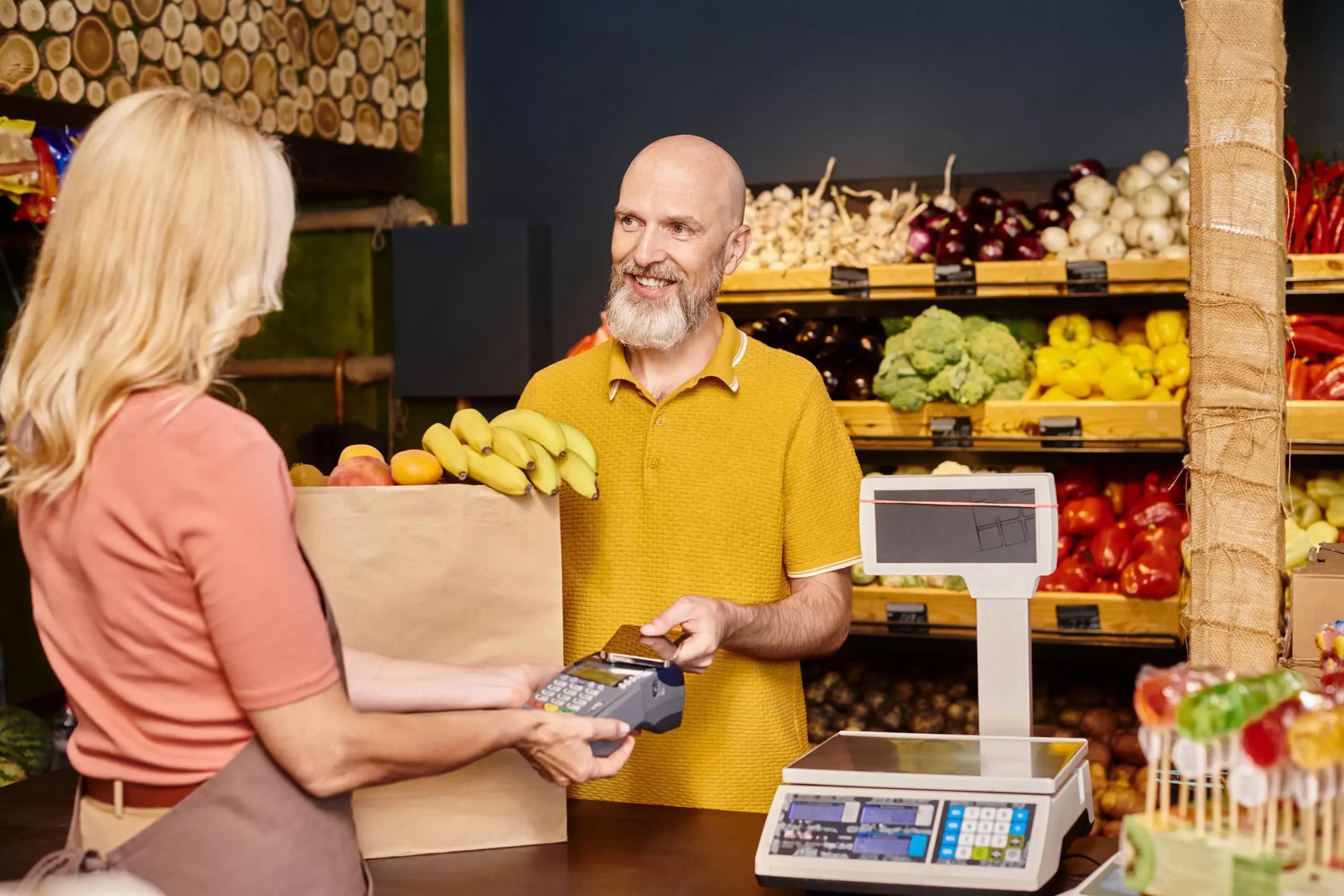
Bizum is the new cash in hand. With it, you get paid in person at your business in the blink of an eye. Tailored to your needs and putting your business, literally, right in your customers’ pockets.

Success stories that are crushing it

In-person payments with Bizum are taking off and they’re here to stay

What started as a revolution at State Lotteries and Bets (SELAE) has already expanded to major events. We never stop!

State Lotteries and Bets (SELAE). Pioneers in saying “We accept Bizum here”. They implemented QR codes to send and receive payments in seconds, with zero wait times and straight from their mobile phones.

Hospitality and major events. Receiving payments with Bizum is also a hit in bars, restaurants, and large events. Thanks to order management solutions, your customers can order and pay with Bizum using a QR code you provide. Say goodbye to slow, glitchy card terminals!


How it works for your business

Getting paid in person is as easy as checking your phone. How will your customers pay you in person? Simple.

There are three super easy ways:

  1. QR code or link: Don’t have a website? No problem, you don’t need one. Generate a link or put up your business’s QR code; your customers just click or scan and… done! You’re paid instantly!

  2. Phone number: Forget the hassle. Ask your customer for their number, send them a payment request and… money received on the spot.

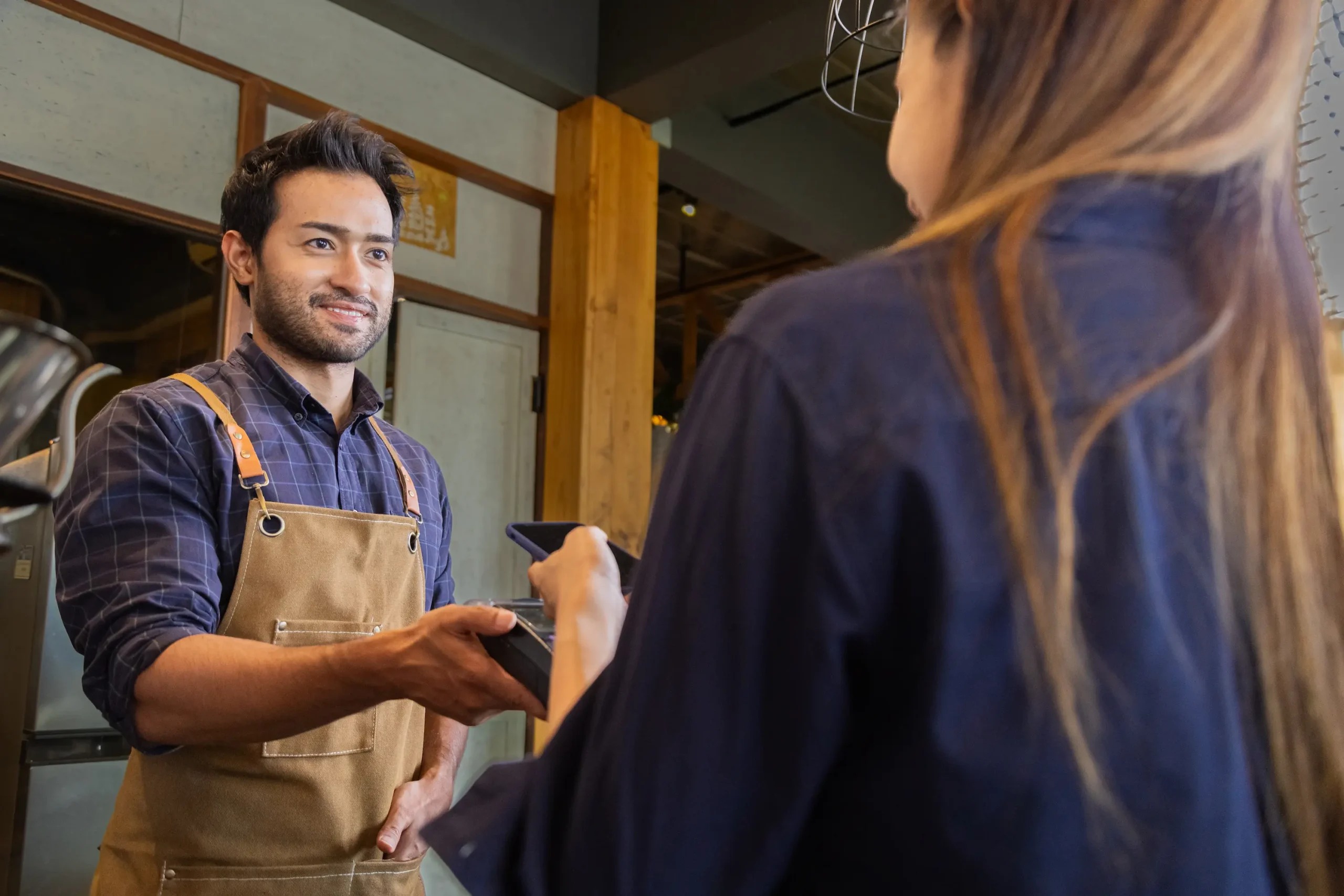
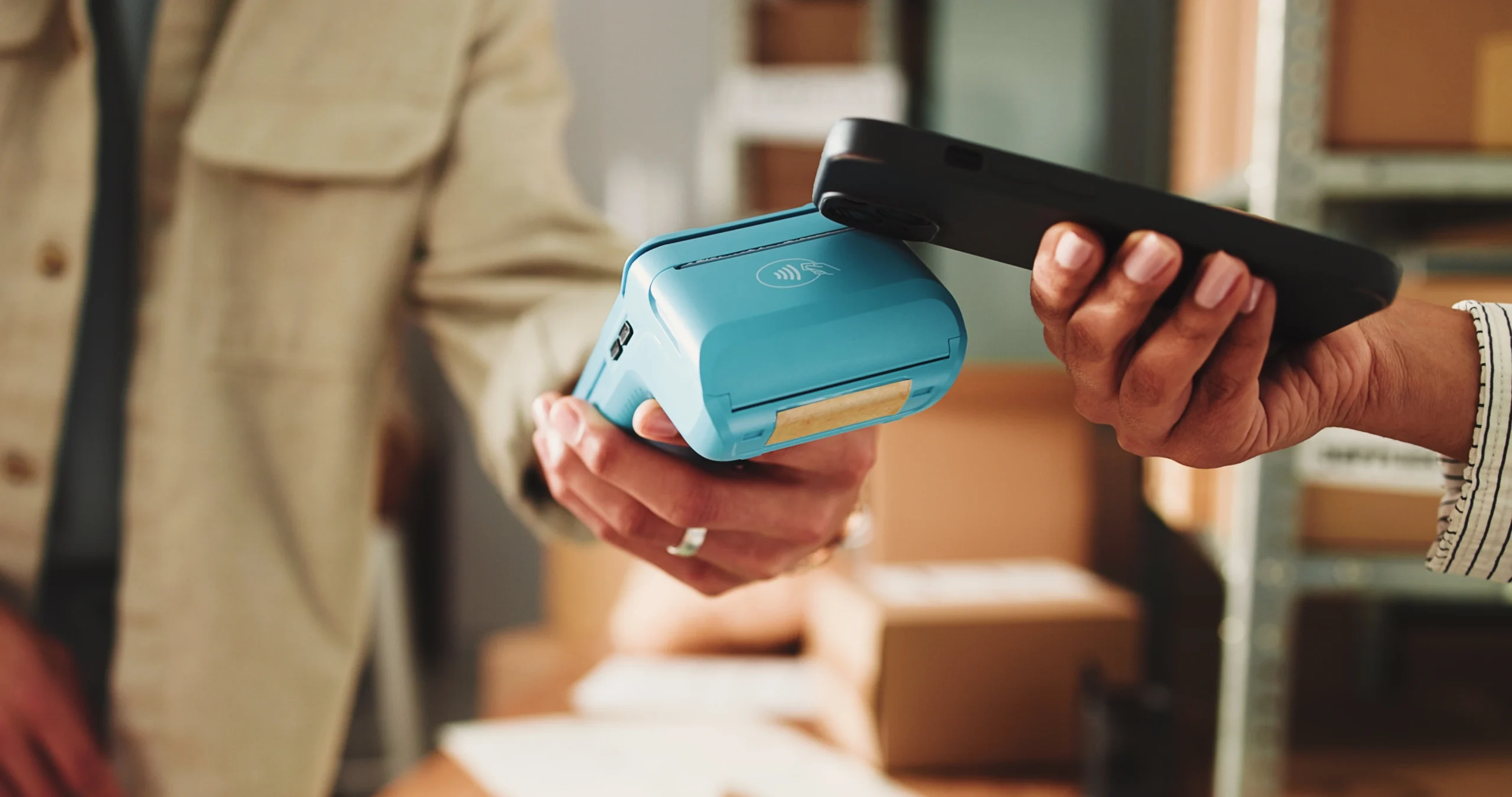
  3. NFC payment: The latest feature! Your customers can now pay you in person by tapping their phone against the card terminal using their banking app or Bizum Pay. The best part? Zero complications. It works with your existing POS terminal. Call your bank to activate it. It couldn’t be faster or easier!

Join the revolution. Activate in-person Bizum

Forget the hassle and join the Bizum revolution.

Your customers will love it for its security, simplicity, and speed. What are you waiting for to turn it on? The steps are as easy as it gets:

  1. Contact your bank. Talk to your financial institution to request the Bizum payment collection service for your business.

  2. Choose the option that suits you best. No technical complications.

  3. Start getting paid! Place the logo at your business so your customers know they can pay with Bizum.

What are the perks of making the leap?

Still not convinced? Check out these perks…

Paso 1:

Total simplicity and speed

Two things everyone wants. Forget queues and waiting around. Bizum streamlines your in-person business with payments you can receive instantly or once a day, whichever you prefer.

Paso 2:

Say goodbye to “I don’t have exact change”

No more excuses. Nobody leaves home without their phone, and if they have their phone… you get more spontaneous sales from people who just popped in to look.

Paso 3:

Almost everyone is a Bizumer

Yep, you heard right. Your customers are already using it, so making it easy for them to buy from you is a sure bet.

Paso 4:

Modern, up-to-date business image

Bizum positions you as a modern business, showing both loyal and potential customers that you’re in the loop.

Shop online with Bizum

Pay for your online purchases easily, quickly, and securely. All you need is your phone number and your bank’s app.

The Bizum service is a joint project of Spanish banks, part of digital innovation initiatives designed to meet the evolving needs of their customers.

How does it work for you?

Shop online

Choose “Pay with Bizum” at your favorite online store.

Without sharing extra details. Just with your phone number, backed by the full security of your bank and the trust of Bizum

  1. Select “Pay with Bizum” and enter the phone number linked to your Bizum account

  2. Open the notification from your bank, check the details, and approve the payment. You have 4 minutes to approve the transaction; after that, the payment will be canceled. Always verify that all information is correct before approving the payment.

  3. Head back to the merchant’s website or app to finish your purchase.

Recurring payments or subscriptions

You can now choose Bizum for your regular payments

Select Bizum and link your phone number to make payments directly from your bank account

  1. Just like with one-off purchases, select Bizum and enter your phone number

  2. Open the notification from your bank, check the details, and confirm linking Bizum to make payments automatically from then on

  3. View and manage the merchants you’ve authorized right from your bank’s app.

    You’ll receive a notification every time a payment goes through, and you can check transactions in your account

Shop with peace of mind

You get the same refund and claims rights, without having to share any extra details

When you pay with Bizum, you only enter your phone number (forget about endlessly long card numbers) and review and validate your purchase in the safest place: inside your bank’s app.

Plus, if you decide to return an item, once the merchant confirms the return is processed, the money goes straight into your bank account. No more waiting days to get your money back!

And of course, if you ever run into an issue with the merchant or the product or service, you have the full protection of your bank to file a claim.

Shop online with Bizum Pay

More payment methods in a single button. Bizum Pay is the only app that lets you pay in stores directly from your bank account or with a card. For online shopping, you’ll still use your phone number—with the convenience and security of never having to share extra details

Download Bizum Pay

Shopping online with Bizum is that simple

Paso 1:

Choose Bizum

Select “Pay with Bizum” at checkout.

Paso 2:

Enter your number

Use the phone number linked to your Bizum account.

Paso 3:

Confirm the payment

Check the notification in your bank’s app and approve it.

Paso 4:

Complete your purchase

Return to the store to confirm the order went through.

The payment you already use,
now in your business

Take advantage of Bizum’s benefits for your business. Whatever the size of your company.

Discover how to integrate Bizum

Everything you need to know

Charge online or in your establishment, make it easier to access your platform, and pay out prizes, promotions, or refunds. Discover everything Bizum can do for your business.

Bizum is for you
Página 1 de 4

We’re with you every step of the way

From your first inquiry to your first payment received. We’re here to help you bring Bizum to your business.

Paso 1:

Choose the service that suits you best

Online, at your establishment, for your professional activity… Find the option that best fits your business.

See payment options

Paso 2:

Check that your bank offers Bizum.

Ask your bank about Bizum’s availability for your business and the solutions it offers.

See participating banks

Paso 3:

Integrate it. Without changing your technology.

Talk to your bank and technology provider to sign up for the service and learn about the terms that apply to your activity.

See help center

Paso 4:

Start getting paid. That’s it.

Launch your chosen solution and let people know your business now accepts Bizum.

Access the brand guide

We’ll tell you by email

Bizum guides and tips, when you need them.

The payment you already know
for everything you need

Send and receive money, shop and donate securely. With just your account and your bank’s backing.

Activate Bizum in your bank

Everything you need to know

There’s a Bizum for every need

Bizum is for you
Página 1 de 5

We’re with you every step of the way

Activate it in your bank’s app and start using it. Easy, fast, and backed by your bank.

Paso 1:

Open your bank’s app

Check that your bank offers Bizum. If you don’t have their app yet, download it and look for the Bizum section.

Find your bank

Paso 2:

Activate it with your mobile number

Follow your bank’s instructions to link your phone number to your account and sign up for the service.

How to activate Bizum

Paso 3:

Make your first Bizum

Choose someone from your contacts or enter their mobile number, enter the amount, and review the details before confirming.

How to send and receive money

Paso 4:

Security comes first

Transactions are protected by your bank’s security systems. Read the details before confirming: receiving money isn’t the same as accepting a payment request.

Security tips

Have you received money or a payment request?

To receive money, you don’t have to accept anything—it goes straight to your bank account. A request asks you to send money. Always review the details before confirming, and if you don’t recognize it, reject or ignore it.

I want to know more

Don’t miss a Bizum

Everything you need to know to always keep your accounts in order.

How to integrate Bizum in a company website?

By

Do you have an online store and want to make it easier for your customers? Integrating Bizum on the web is the masterstroke! This payment system is fast, secure and, best of all, easy to use! Forget about complicated processes and losing customers along the way. With Bizum, your customers can pay instantly, just […]

Is Bizum only in Spain? No! You can also use it outside the country.

By

If you thought that Bizum is only in Spain, you are wrong. Bizum is the pride of Spanish society, pure Iberian ingenuity that, in a very short time, has been gaining followers all over Europe. That is why we are working on several lines of development that will make Bizum a pan-European payment system. Is […]

What to do if I cannot receive Bizum?

By

If you have arrived here it is because you cannot operate with Bizum or you have a Bizum not received and you want to know what has happened. First of all, don’t worry, don’t get overwhelmed and, above all, don’t think “What do I do now if I can’t receive Bizum? Surely the solution is […]

What are the ways to pay with a cell phone?

By

We practically live glued to our cell phone all day long, because it offers so many options for everything (professional, personal, leisure…). But, above all, our cell phone allows us to pay easily. And, since there are so many options today, we would like to explain to you the different ways of paying with your […]