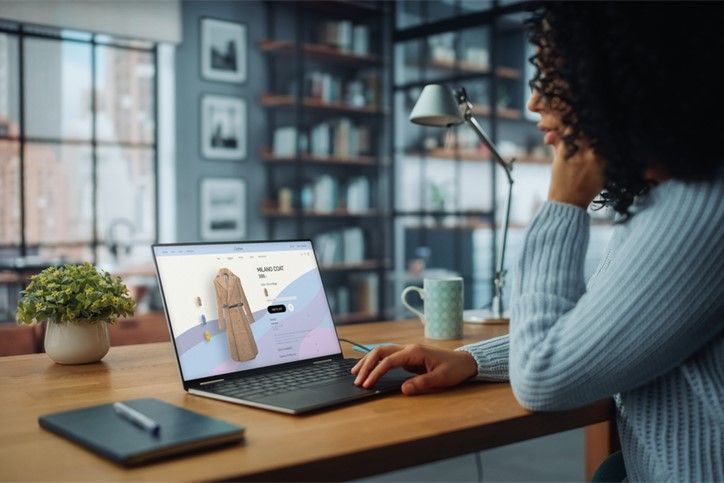



Shop online
Choose “Pay with Bizum” at your favorite online store.
No need to share extra details. All you need is your phone number, backed by the security of your bank and the trust of Bizum
-
1
Select “Pay with Bizum” and enter the phone number linked to your Bizum account
-
2
Open the notification from your bank, check the details and approve the payment. You have 4 minutes to approve the transaction; after that, the payment will be canceled. Always check that all the information is correct before approving the payment.
-
3
Return to the merchant’s website or app to complete your purchase.