
Saltar al contenido principal

In-person payments and purchases with Bizum

Pay with Bizum at stores, shops, and professionals too

How does it work for you?
Three ways to pay in person with Bizum.

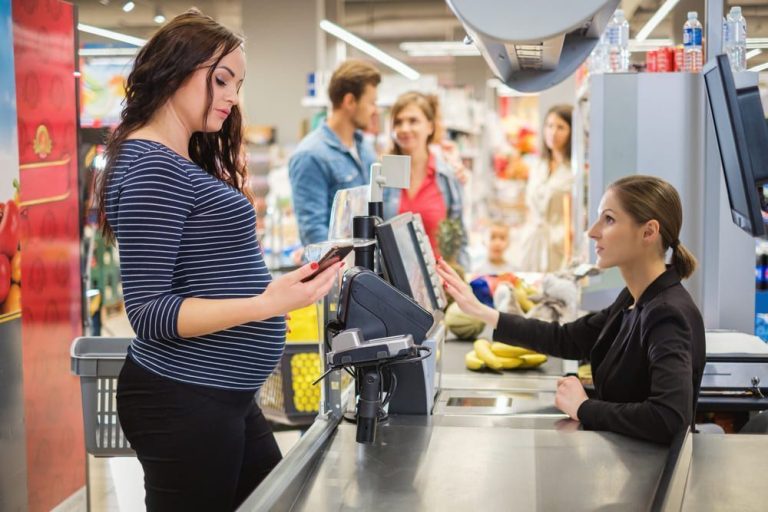
Physical stores and shops

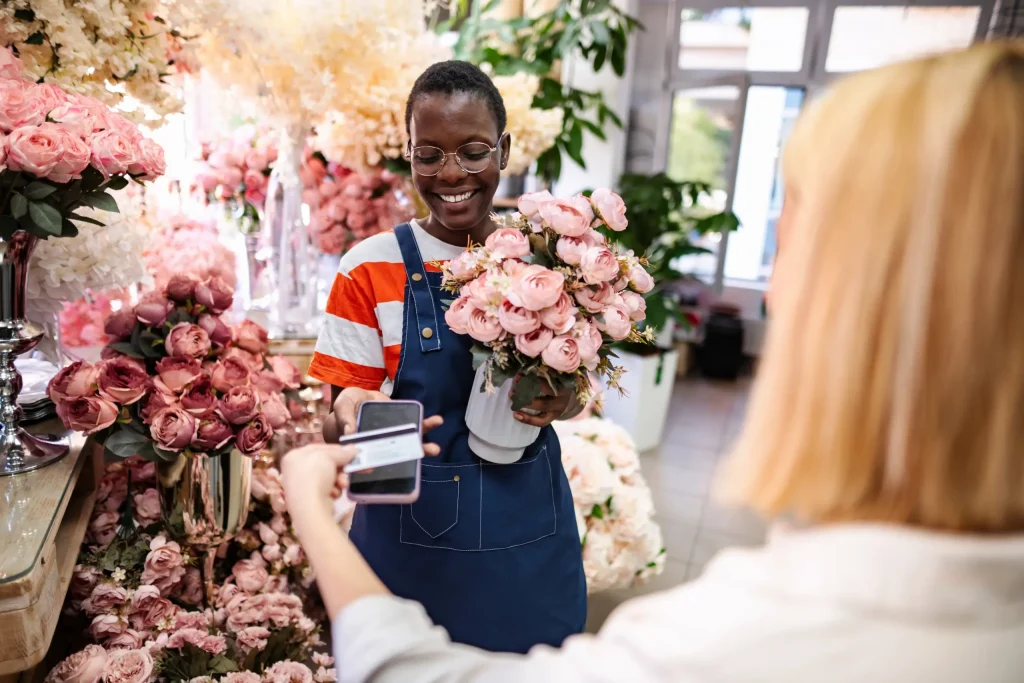
Pay straight from your account just by tapping your phone.

Do it from your bank’s app or with the Bizum Pay app. If the app is set as your default mobile wallet, you don’t even need to open it before paying.

  1. Unlock your device on Android, or double-click the side button on iOS. If the app you’re paying with isn’t your default wallet, open it before paying.

  2. Hold your phone close to the card reader or payment terminal. You don’t even need to touch it.

  3. All set! You’ll get a confirmation notification from your banking app (and from Bizum Pay if it’s your payment app).

See available banks

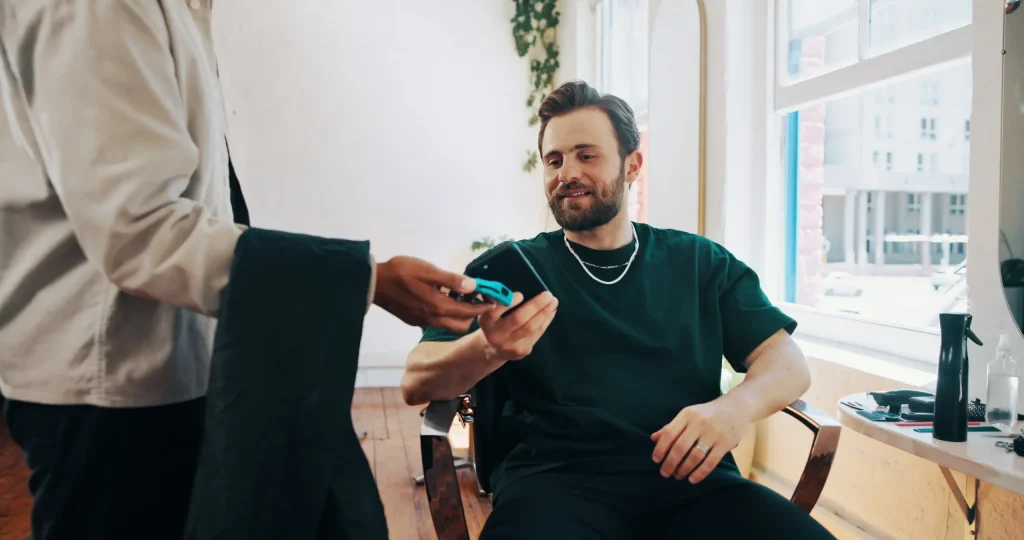
To professionals, in shops, etc.

Pay with Bizum, even if there’s no card machine.

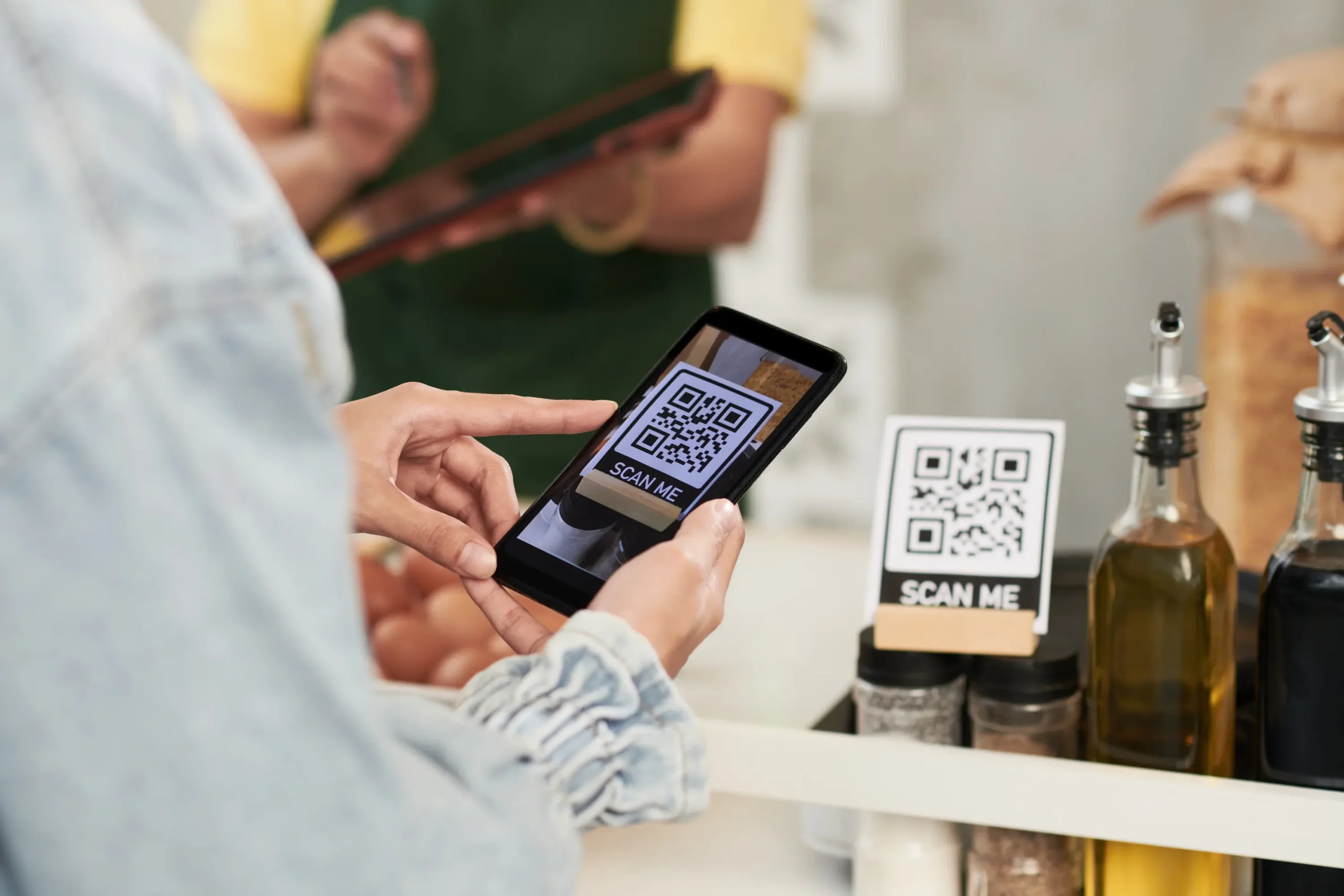
They’ll give you a link or a QR code so you can complete the payment with Bizum. They can also ask you directly for your phone number linked to Bizum.

  1. Open the link or scan the QR code and enter your Bizum-linked phone number. The merchant or professional might also do this step for you and ask for your phone number.

  2. Open the notification from your bank, check the amount and transaction details, and approve the payment.

  3. All set! The payment confirmation will appear. With the same coverage as any other payment method, plus the security and protection of your bank and Bizum.

State Lotteries and Bets

Try your luck with Bizum

Pay for your bets and collect your winnings at participating State Lottery and Betting shops.

  1. Open Bizum from your bank’s app and generate a QR code. It will be valid for 15 minutes.

  2. Show the code so the cashier can scan it.

  3. If you’re making a payment, confirm the transaction from your bank’s notification. You don’t need to confirm anything to collect a prize.

See available banks

Pay with complete peace of mind

With your bank’s security and the same protection as other payment methods.

Paying with Bizum directly from your account gives you the same protection as other payment methods, full security from your bank, and the trust of Bizum. Change your mind? Get an instant refund back to your account. File a claim if there’s ever an issue.

Pay in person with Bizum Pay

More payment methods in a single app. Bizum Pay is the only digital wallet that lets you pay contactless in shops and stores directly from your bank account or with a card.

Download Bizum Pay

What you need to know. No beating around the bush

We answer the most common questions about in-person payments with Bizum.

View all FAQs
Individuals

What do I need to pay contactless?

Have Bizum activated and ensure your bank offers in-person payments through its app or via Bizum Pay.

Pay with Bizum Individuals

Can I pay from my account or with a card?

With Bizum Pay, you can pay from your account with Bizum and use the cards your bank allows you to add.

Send money Pay with Bizum Individuals

How do I pay a professional?

Open the link or scan the QR code, enter your phone number, and validate the transaction in your bank’s app.

Send money Issues Pay with Bizum Individuals

What should I do if I have a problem with my payment?

Contact your bank so they can review the transaction and help you.

Paying in person with Bizum is that easy

Paso 1:

Choose how to pay

Use your bank’s app, Bizum Pay, a link, or a QR code.

Paso 2:

Check the details

Review the amount and the transaction information.

Paso 3:

Approve the payment

Confirm from your bank’s app whenever required.

Paso 4:

Check the confirmation

Make sure the payment went through successfully.