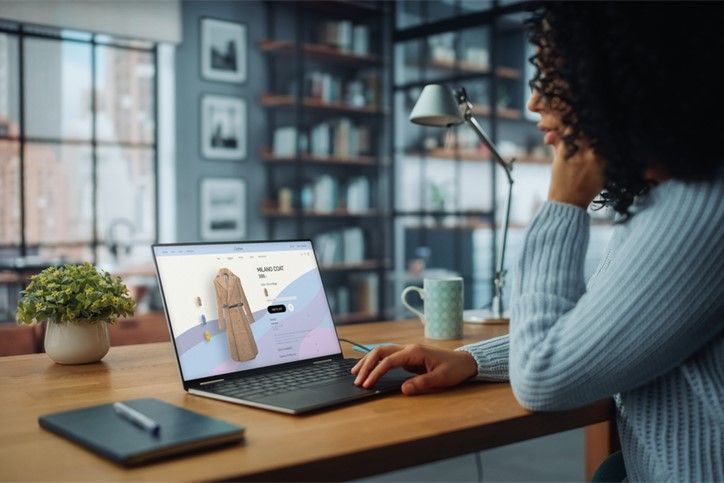



Shop online
Choose “Pay with Bizum” at your favorite online store.
Without sharing extra details. Just with your phone number, backed by the full security of your bank and the trust of Bizum
-
1
Select “Pay with Bizum” and enter the phone number linked to your Bizum account
-
2
Open the notification from your bank, check the details, and approve the payment. You have 4 minutes to approve the transaction; after that, the payment will be canceled. Always verify that all information is correct before approving the payment.
-
3
Head back to the merchant’s website or app to finish your purchase.